

SureHome
Home maintenance,made simple
SureHome tells you what your home needs and when, keeps your home’s history in one place, and helps you hire local tradies for the big jobs.


Follow a personalised plan for your home
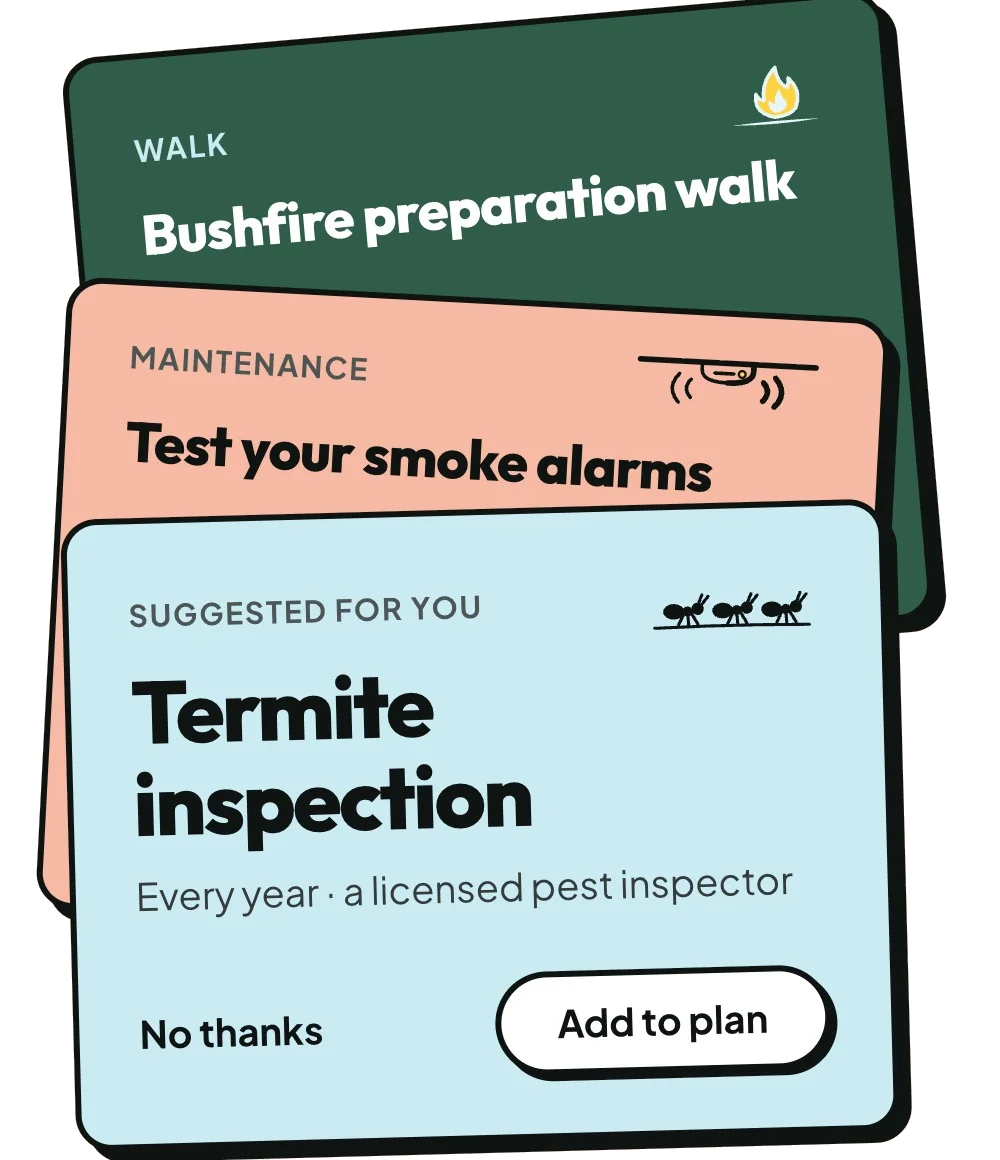
Type your address and answer a few short questions about your home. SureHome suggests the maintenance it needs, such as cleaning the gutters or testing the smoke alarms. Add the things in your home, like the hot water system, and SureHome adds what they need to your plan.
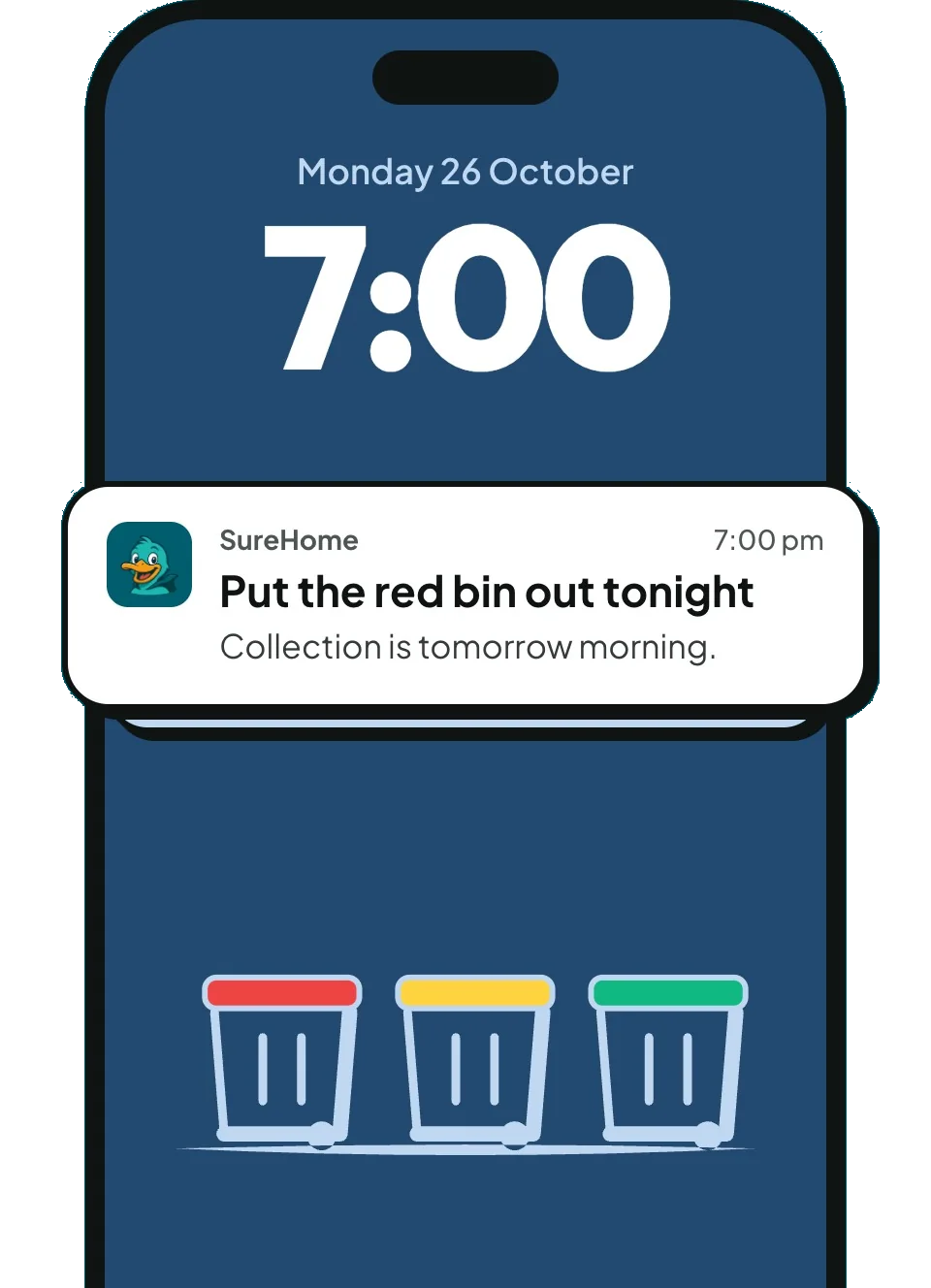
- A reminder before each task is dueYou choose when, from 1 day to 30 days before.
- A weekly roundupSee the week ahead for your home, on the day and time you pick.
Get reminders for tasks & chores
Chores such as bin night go on your plan next to the maintenance. Set up your bins once, with their colours and collection day, and SureHome tells you which bins go out on bin night.
Spot problems early
A check-up takes you around your home one stop at a time and tells you what to look for. Note what you find and take a photo, so you can compare next time. Anything that needs fixing goes on your plan.

Your car has a service history. Now your home has one too.
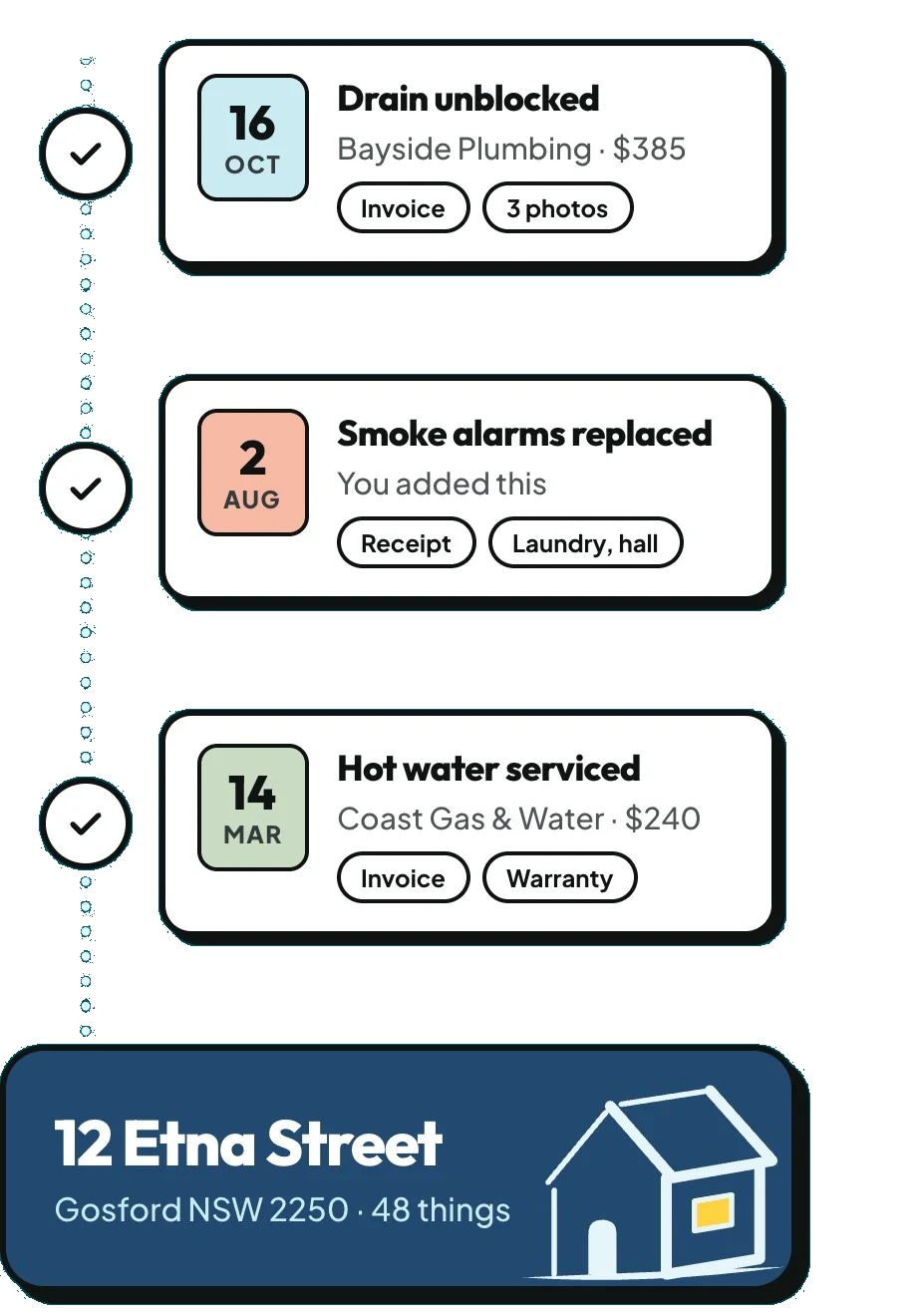
The logbook keeps the tasks you finish and the past work you add, with who did it, what it cost and when. Keep invoices, warranties, manuals and photos with the job or the thing in your home they belong to.
Hired a tradie through SureQuote?
Mark the job done and it goes in your logbook with the tradie’s name and the date. Then add the invoice and photos to it.
Hire local tradies for the big jobs
When a job needs a tradie, tap Get Quotes and tell us about the job. SureQuote finds local tradies who can quote for it. Your jobs and the tradies who reply are on the Hire tab, and you can message them in the app.
Getting quotes is free, with no obligation.
Get quotes for a job
Also in SureHome
Share your home
Invite the people you live with by link or QR code. You all see and tick off the same plan.
More than one home
Add each home you look after. Each has its own plan, logbook and documents.
On the web too
Use the same SureQuote account in the app and on the SureQuote website.
Private
Only you and the people you invite can see your home. Tradies can’t see your logbook.
Common questions
What is the SureQuote Home Logbook, and is it free?
How do I start a Home Logbook for my home?
What can I keep in my Home Logbook?
Who can see my Home Logbook, and how do I share it?
Can I download my Home Logbook or pass it on when I sell?
Get SureHome on your iPhone
It’s free. Use it on the web with the same SureQuote account.